Scale photo and video shoot bookings with a sales inbox for chat and calls
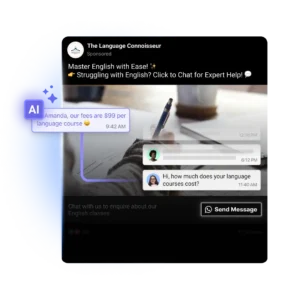
Automate FAQs, qualify new photo and video requests and sending booking or deposit links 24/7 across WhatsApp, Instagram, calls and more with AI Agents
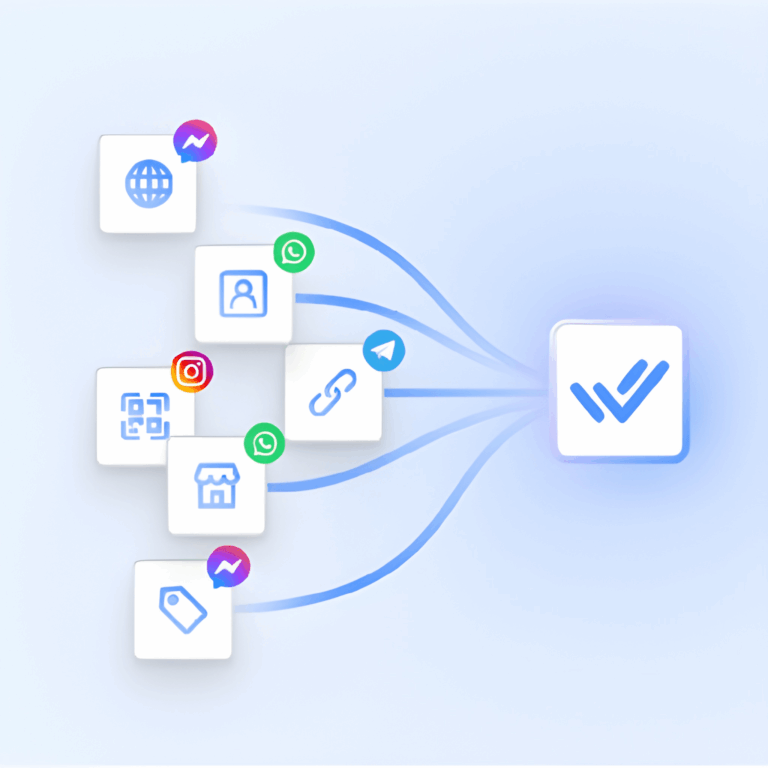
No more switching between apps to chat. Unify contacts and conversations from voice calls, email, WhatsApp, TikTok, Facebook Messenger, Instagram and more.
AI Agents
Answer FAQs about programs, fees, and schedules instantly. AI agents collect student or parent info, qualify leads, and route inquiries to the right department—no manual follow-up needed.
Automate and integrate
Connect respond.io to tools like HubSpot, Salesforce, Google Sheets, Zapier, Make, n8n and more to automate workflows and access key context while you chat.
Customer lifecycle management
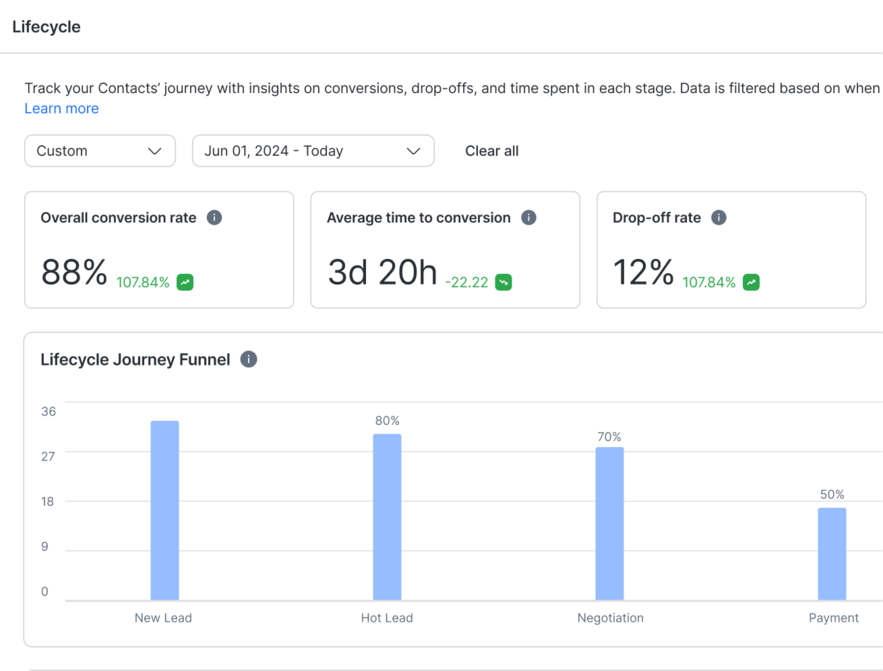
Prioritize high-intent leads, design customer journeys for each lifecycle stage or identify common drop-off points with analytics.
Lead generation and conversion
Capture leads from Meta ads, automate appointment bookings, share product info instantly with Meta Catalogs and more.
Customer retention at scale
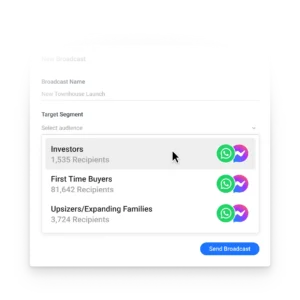
Grow customer loyalty with targeted broadcasts for promotions, renewals, upgrades and CSAT surveys.
Data-driven insights
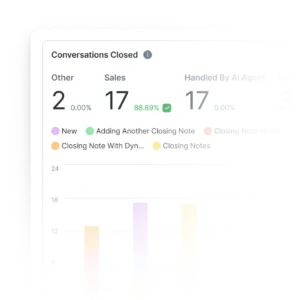
Track response times, Meta ad and broadcast performance, and conversions to turn insights into revenue.
Stability under high volumes
Never lose leads due to crashes or downtime. Unlike other providers, respond.io guarantees high platform reliability.
Enhanced security for customer data
Ensure the protection of customer and business data with ISO 27001 certification, GDPR compliance, SSL encryption, two-factor authentication, extensive cloud security measures, and SSO.
Trusted by top photography & videography services
Real success stories from customers
faster sales cycle
60%
conversion rate with AI Agents
81%
more ROI
42.5x
JU Productions Chose Respond.io Over Manychat for 718% More WhatsApp Sales
Sicar Boosted Single-Conversation Resolutions by 35% — Thanks to WhatsApp Calls
How Sleek Gained 3x More Qualified Leads over WhatsApp
How Contable.app Achieved 30% Higher Customer Retention by Switching to a Shared Inbox
Frequently asked questions for professional services
Can respond.io handle booking photography sessions through WhatsApp?
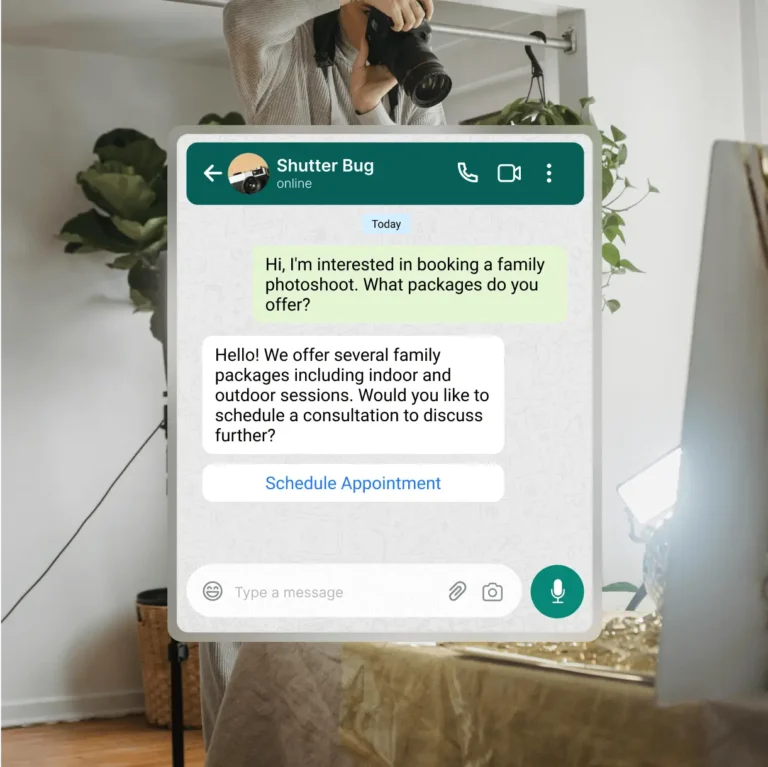
Yes. Respond.io can be used to manage photography and videography bookings directly through WhatsApp, from the first inquiry to payment.
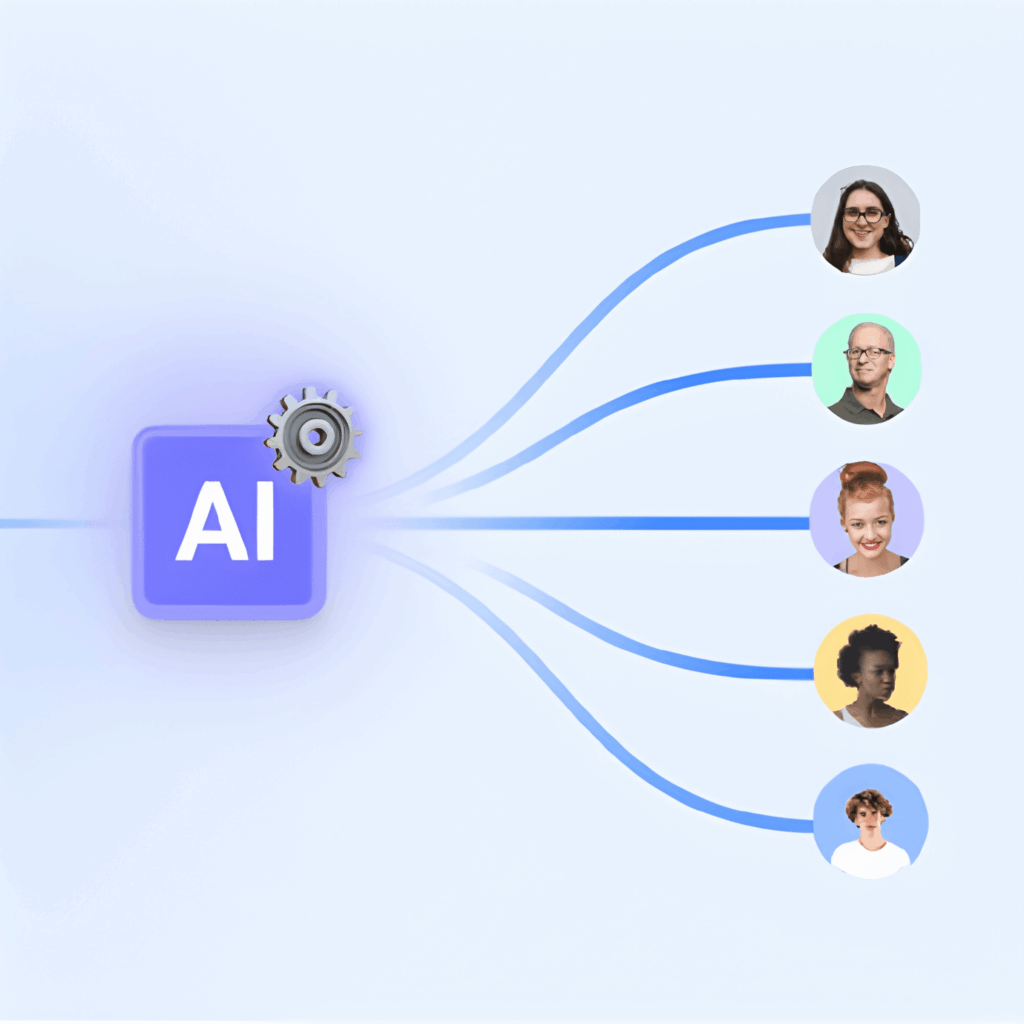
Using AI Agents, you can automatically collect key details such as shoot type, preferred date, location and any special requirements. Based on this information, conversations can be routed to the right photographer or coordinator, or used to confirm availability and next steps. This reduces back-and-forth messages and helps you respond faster, even when multiple inquiries come in at the same time.
This setup works well for portrait sessions, weddings, corporate shoots and recurring studio bookings.
How can we automate reminders and follow-ups for photo or video shoot appointments?
Respond.io allows you to automate reminders and follow-ups using its workflow builder, so these messages are sent at the right time without manual effort.
For example, you can send automated reminders a day or a few hours before a shoot, follow up after the session with delivery updates, or request missing information such as location details. Automating these steps helps reduce no-shows, keeps clients informed and frees up your team to focus on the actual shoot and post-production work.
Does respond.io integrate with Google Calendar or other scheduling tools?
Yes. Respond.io integrates with Google Calendar — and many other Calendar apps — through Zapier and Make, allowing you to sync booking details, session dates and reminders between systems.
For studios with more advanced requirements, respond.io also supports webhooks and API-based integrations, which are available on Growth and Advanced plans. This makes it possible to connect respond.io with custom booking systems, CRMs or scheduling tools you already use, while keeping WhatsApp and messaging workflows in sync.
Can clients send inspiration photos or reference videos over WhatsApp, and will they appear in the inbox?
Yes. Clients can send photos, videos, and other media files through WhatsApp, Instagram, or Facebook Messenger, and these attachments appear directly in the respond.io inbox. What’s better, respond.io AI Agents have the capacity to understand and reply to media your customers send you on the chat.
All media stays linked to the conversation, making it easy for photographers or videographers to review inspiration images, mood boards, or reference videos without searching through emails or external tools. This helps teams stay aligned on creative expectations and respond more accurately to client requests.
Can we control access so only managers see payment or sensitive client information?
Yes. Respond.io supports role-based access controls, allowing you to manage what different team members can see and do.
For example, photographers can handle inquiries and booking discussions, while only studio managers or office staff can access sensitive information such as payment details or internal notes. This setup supports collaboration across the team while maintaining data privacy and operational control.
Is it possible to automatically send payment links or payment status updates after a session?
Yes. Respond.io supports automated payment-related messaging through workflows.
You can trigger messages that send payment links, deposit requests or payment status updates after a booking is confirmed or a session is completed. Depending on your setup, these workflows can be connected to payment providers using integrations or webhooks, helping ensure clients receive timely and consistent payment communications.
We manage wedding videos as group projects. Can conversations be organized by event or project?
Yes. Respond.io allows you to organize conversations using tags and custom fields that represent events or projects.
For wedding or multi-day productions, you can tag conversations with the event name or project type so all related communication stays grouped and easy to find. This helps teams track discussions, revisions, timelines and updates across long-running or complex projects