WhatsApp bulk message for high ROI
What are WhatsApp bulk messages?
WhatsApp bulk messages, also known as WhatsApp broadcasts, allow you to send a single message to multiple recipients at once, making it easy to share promotions, newsletters, updates and reminders.
This helps keep your brand top of mind, drive repeat engagement and ensure timely communication with your customers.
By reaching them directly on WhatsApp, you can boost conversions, reduce missed opportunities and build loyalty with minimal effort.
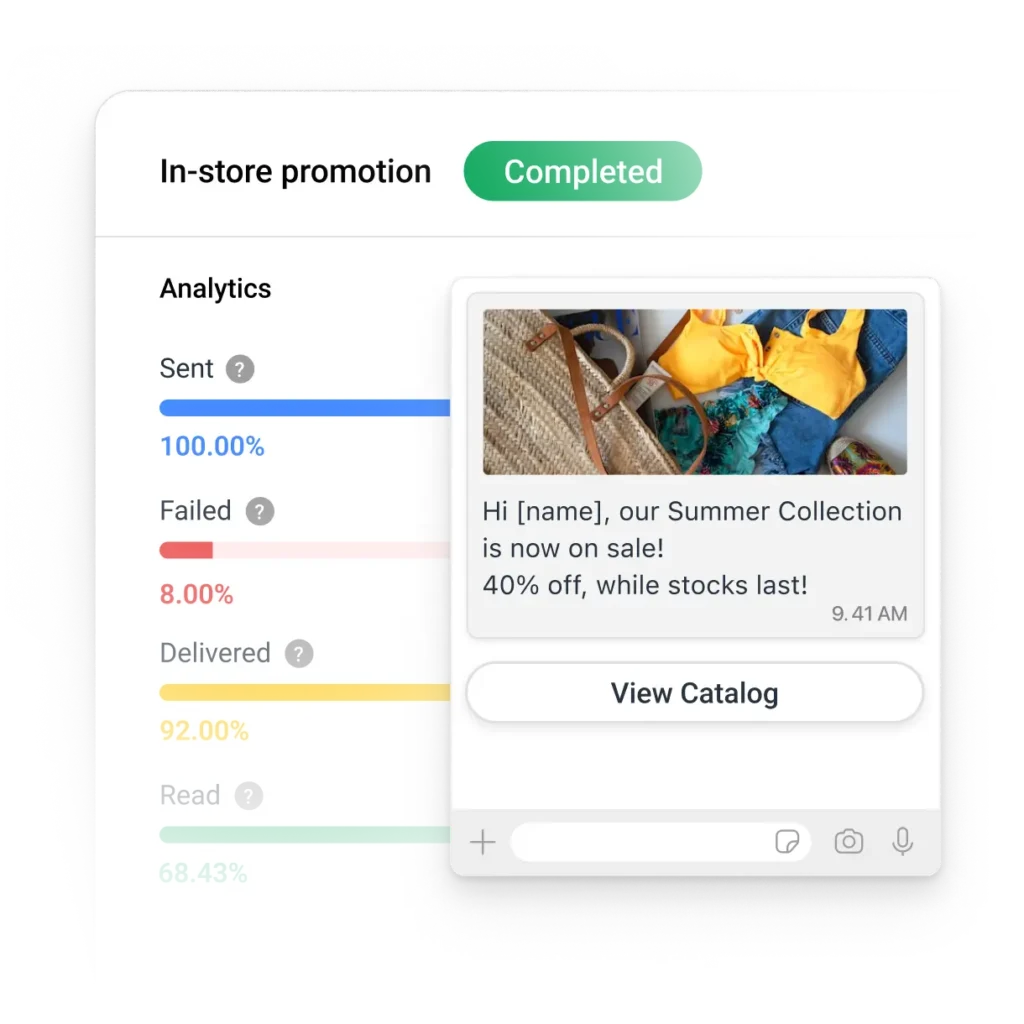
Bulk messages on WhatsApp Business App vs API
Not all bulk messages are the same—WhatsApp Business App and WhatsApp Business API have different capabilities and rules.
For businesses that need more than basic bulk messaging, WhatsApp API enables scalable broadcasts, automation and detailed audience segmentation.
Unsure if WhatsApp API is for you? Try it risk-free on respond.io with no hassle or permanent migration, keep your contacts and messages on WhatsApp Business App.

WhatsApp Business App

WhatsApp API with respond.io
Broadcast limit
256 contacts per list |
Higher limits, scalable
Message type
Free-text allowed
Pre-approved templates only
Contact management
No contact importing
Import & segment opted-in contacts
Contact management
No contact importing
Import & segment opted-in contacts
Automation
Manual only
Advanced workflows & targeting
Broadcast reports
WhatsApp API bulk messaging: Rules and best practices
Allowed use cases
✅ Marketing: Promotions, product updates and re-engagement
✅ Utility: Order confirmations or event reminders
✅ Authentication: Secure authentication via OTPs or 2FAs
Prohibited activities
❌ Cold messaging to non-opted-in contacts
❌ Free-text bulk messages (must use templates)
❌ Mass blasting non-segmented lists
WhatsApp bulk messages vs click to WhatsApp ads: When to use which
Unlike SMS or email blasts, you can’t send bulk messages to just anyone over WhatsApp API.
Meta enforces strict rules to protect users from spam and violating its guidelines can lead to account restrictions or bans.
Instead, businesses looking to reach cold or new audiences can grow their customer base with click to WhatsApp ads.
These ads are shared on Meta channels like Instagram and Facebook, driving prospects who click on them directly into a WhatsApp chat with you.
Only then can you re-engage these contacts with WhatsApp bulk messages and nurture them to convert or buy again.
Click to WhatsApp ads
Bulk messages
Best for
Lead generation
Retargeting & retention
Audience
New leads
Existing, opted-in contacts
First message initiated by
Customer
Business
First message initiated by
Customer
Business
Messaging
Open-ended conversations
Pre-approved templates
Targeting
Meta ad targeting
Contact segmentation
How to send WhatsApp bulk messages
Since WhatsApp API does not have a frontend interface to send or receive messages, you will need to connect it to a messaging platform like respond.io. Then, you’re ready to broadcast at scale.
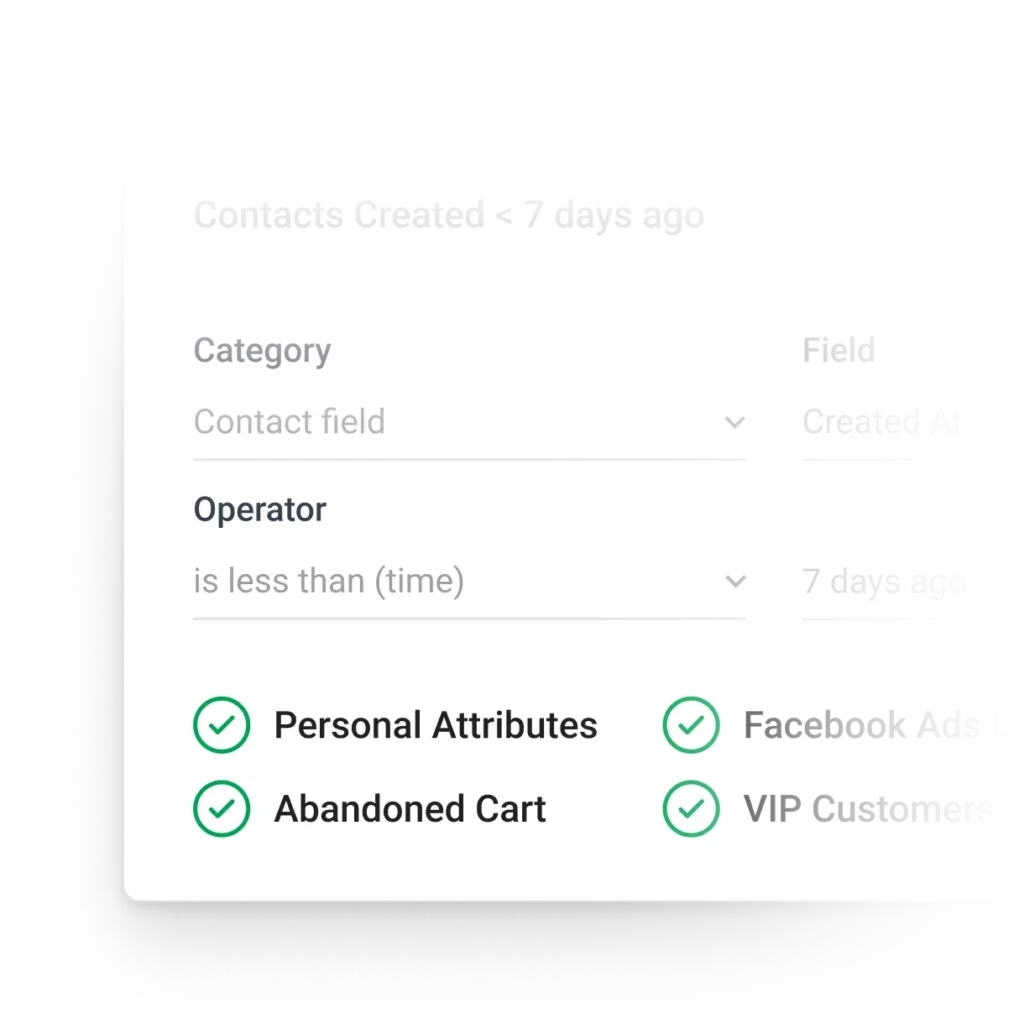
Step 1: Choose your audience
Import and segment opted-in contacts based on traits like purchase history, location, membership tier or language for targeted messaging.
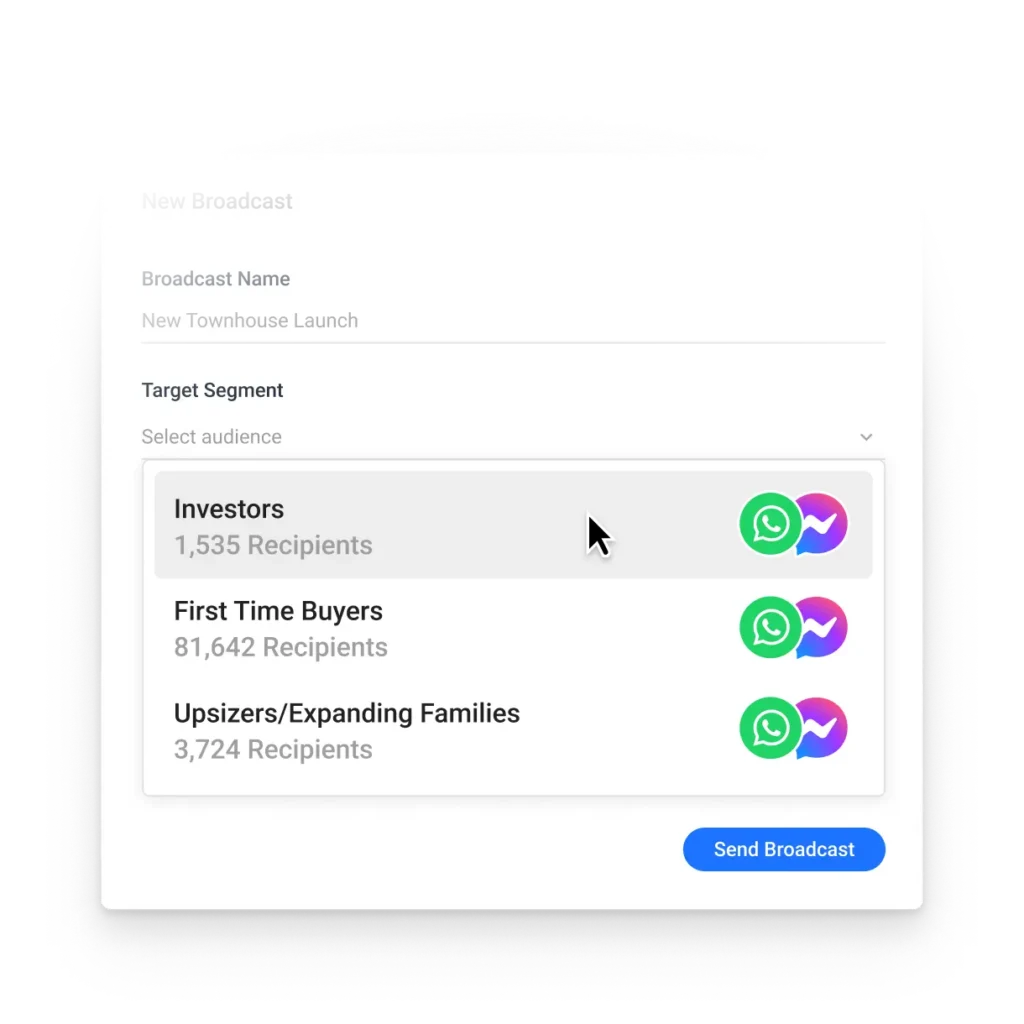
Step 2: Create a broadcast campaign
Select a Meta-approved WhatsApp template. Broadcast to Messenger, Telegram and more simultaneously for maximum reach on respond.io.
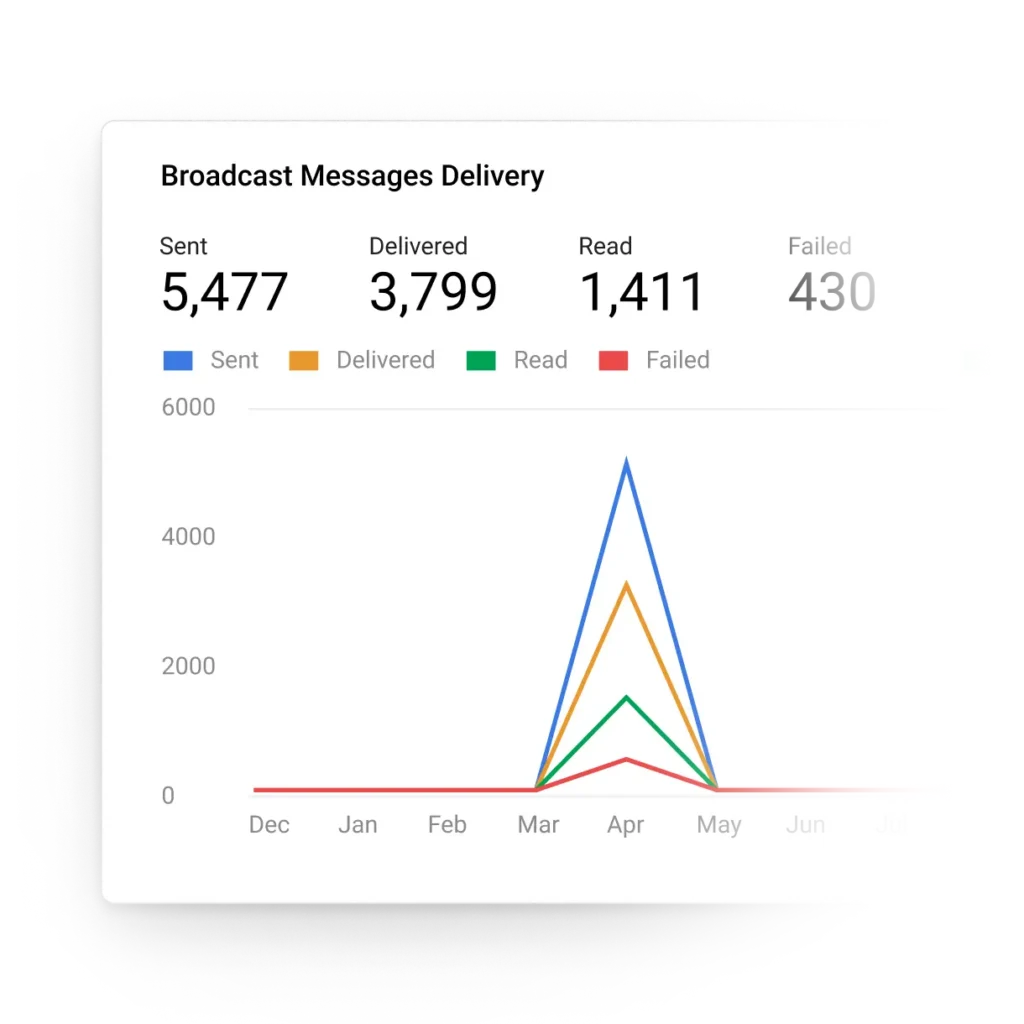
Step 3: Send and track performance
Personalize messages with relevant details. Then, schedule delivery and track metrics for future optimization. productivity.
How much do WhatsApp bulk messages cost?
WhatsApp API is a cost-effective channel for broadcasts and marketing—if you use the right messaging platform. All incoming messages are free but outgoing messages are subject to the following:
Meta fees: Based on the recipient’s country, message type and monthly volume.
WhatsApp Business Solution Provider fees: Some WhatsApp BSPs impose setup fees, maintenance fees or message markups. On respond.io, pay only what Meta charges you.
Learn about message types and estimate your costs with our WhatsApp pricing calculator.
Increase engagement, repeat business and revenue with respond.io
Omnichannel team inbox
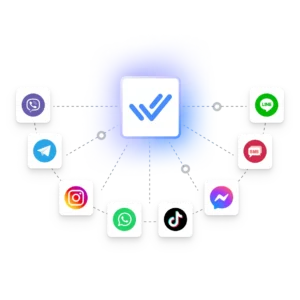
Unify voice calls, email, WhatsApp, TikTok, Facebook Messenger and more. Send broadcasts to multiple channels at once and handle Meta click to chat ads.
Broadcast automation
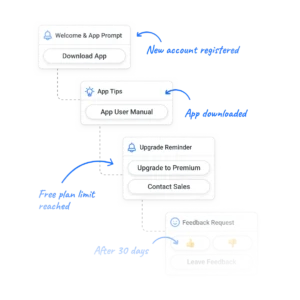
Create drip campaigns, automate reminders and move customers into new broadcast lists when their status changes. Automate replies to keep customers engaged.
WhatsApp message templates
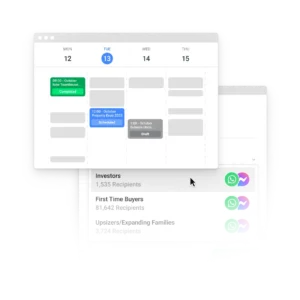
Create templates and submit them to Meta for approval easily. Then, manage existing templates and use them for broadcasts to targeted audiences, all in one place.
Data-driven insights
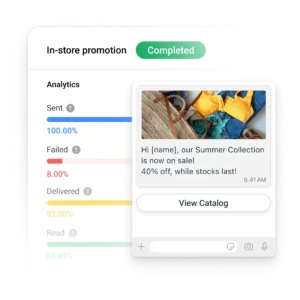
Track broadcast performance, channel popularity, response times and more. Then, optimize campaigns to improve results and drive revenue.
AI-powered features
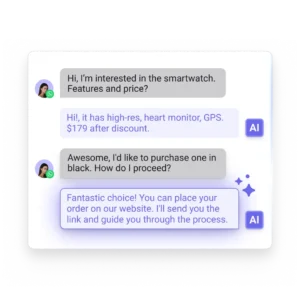
Let AI translate, refine tones and handle the FAQs for you, freeing agents for high-value or critical conversations.
Seamless integrations
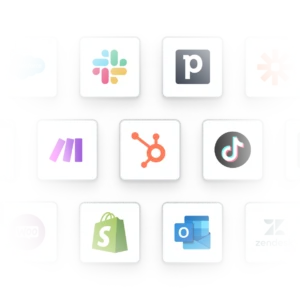
Enrich data right in your inbox. Connect any messaging channel with HubSpot, Salesforce, Google Sheets and more.
Frequently asked questions
What is a WhatsApp bulk message?
A WhatsApp bulk message is a single message sent to multiple recipients at once, making it one of the most effective re-marketing and re-engagement tools.
If you’re using WhatsApp API, these messages must be in the form of pre-approved templates and only sent to opted-in contacts.
How many contacts can I send bulk messages to?
The WhatsApp Business App limits you to 256 contacts per broadcast list. WhatsApp API allows higher limits based on engagement levels.
Can I use WhatsApp bulk messages for lead generation?
No, not if you’re using WhatsApp API, which cannot be used for cold outreach. Meta strictly prohibits bulk messages to non-opted-in contacts, and violations will lead to account bans.
Instead, use Click-to-WhatsApp ads to attract new leads. Once they opt in, you can send targeted WhatsApp bulk messages to nurture interest, increase conversions and drive repeat business over time.
How do I get message templates approved?
You can submit your message templates to Meta for approval through a WhatsApp Business Solution Provider (BSP) like respond.io. Approval is typically completed within 24 hours. You can track your template approval status directly in the respond.io platform.
My message template was rejected. What should I do?
Check the rejection reason on respond.io. Templates may be rejected due to formatting errors, inappropriate language, incorrect category selection, or policy violations.
Then, edit accordingly and resubmit the template for approval. Ensure proper formatting, use the correct template category and comply with Meta’s policies to avoid a second rejection.
Can I send bulk messages using an Excel contact list?
Yes! With respond.io, you can import Excel contacts, create audience segments and send compliant bulk messages.
3x your business results with respond.io 🚀

Company
Compare
WhatsApp Guides
Security & Legal
- Privacy Policy
- Cookie Policy
- Terms of Service
- Our Subprocessors
- Data Protection Addendum
- Security