A multi-agent team inbox for WhatsApp Business App and WhatsApp API
WhatsApp Business App isn’t built for growing teams. Unlock expanded multiuser capabilities, advanced automation, AI and more by connecting WhatsApp Business App or WhatsApp API to respond.io.
WhatsApp Business App vs WhatsApp Business API: Which is best for multiple users?
The WhatsApp Business App is a free and simple solution designed for small businesses and limited users. It supports only one device per phone number and up to 5 linked devices, without advanced or collaborative features.
For businesses handling high volumes of chats, calls or users, the WhatsApp Business Platform (API) is a scalable solution. When connected to a software like respond.io, it enables unlimited users in a team inbox, AI and automation, CRM integrations and more.
But here’s the best part — you don’t have to give up the WhatsApp Business App when switching to the API.
With respond.io, run WhatsApp Business App and WhatsApp API on the same phone number. This setup, known as WhatsApp Coexistence, lets you:
Send and receive messages from both the WhatsApp Business App and API using one number
See messages sent from WhatsApp Business App reflected on respond.io
Access unlimited users, AI, automation, reports, integrations and more — even while still using WhatsApp Business App
This way, you can transition to the API gradually without interrupting your existing workflow. Scale your operations while keeping it flexible for your team.
WhatsApp Business App
WhatsApp Business API
Best for
Small businesses
Medium to large businesses
Number of Users
Up to 5 linked devices
Unlimited
Broadcast Limit
256 contacts per broadcast
Unlimited
Automation Capabilities
Limited
Advanced AI and automation
Supports Third-party Integrations
Supports Voice Call
Available on respond.io
WhatsApp Green Tick
Reports/Analytics
Lead Management
Simple tagging
Manage the entire customer lifecycle on respond.io
WhatsApp Business App & API Coexistence
Available on respond.io
Available on respond.io
Optimize full customer journeys over WhatsApp API and other channels
Empower your teams to work independently or collaborate seamlessly— all on one omnichannel platform.
Reach customers over voice calls, email, WhatsApp, TikTok, Messenger, Instagram, Telegram, Viber and more
Leverage Meta and TikTok ads, your website and QR codes in physical locations to get new customers
Track and manage your entire customer lifecycle so no opportunity slips through the cracks
Optimize ad and broadcast campaigns with performance analytics to maximize ROI
10x
More leads
125%
More revenue-driving chats
50%
Boosted sales
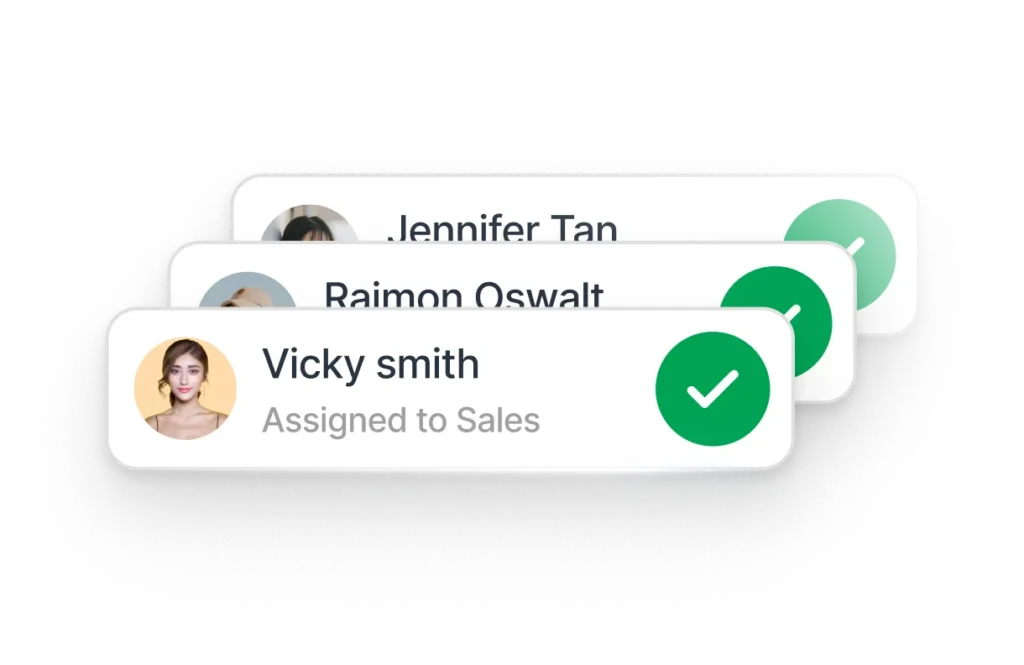
Use AI to answer FAQs, qualify leads and assign chats to agents based on availability or expertise
Automate appointment bookings to secure customers while interest is high
Improve the buyer experience with WhatsApp Catalog
Build trust and close high-value deals faster with voice calls
300%
Faster chat routing
95%
More conversions
160%
Increase in revenue
Send promotional broadcasts at scale or to highly targeted segments across all popular channels
Nudge customers about renewals or upgrades automatically
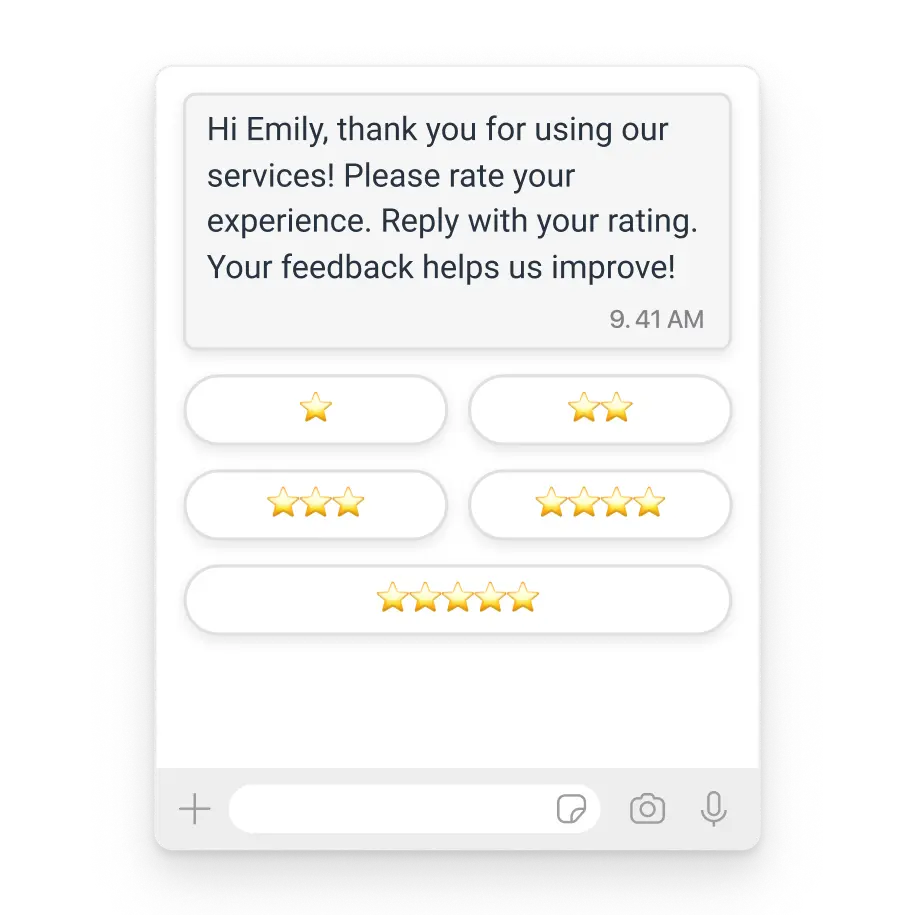
Conduct CSAT and NPS surveys easily to pinpoint areas of improvement
93%
CSAT score
60%
More repeat business
100%
Increase in revenue
Secure and organize conversations with role-based access
Respond.io offers comprehensive team permission features to enhance collaboration and security within your teams.
Restrict reading and replying to chats
Define which categories of chats agents can handle so conversations are managed by appropriate team members.
Limit actions that can be taken on chats
Specify who can assign, reassign, resolve, delete, block or export contacts.
Define approved message types
Control whether agents can send media, audio, location and contact cards to align with your business standards.
Control contacts access and editing
Determine which agents can view, edit and create contacts to safeguard sensitive customer information.
Hide contacts' numbers from agents
Decide whether agents can see your contacts’ phone numbers for better privacy and security.
Set up WhatsApp Business multiple users in 3 steps
The only thing you need is a computer or cellphone for each agent. The onboarding process is quick and simple and does not require help from a developer. Anyone could do it.
1. Sign up for a respond.io account
You can start with a free trial before switching to your ideal plan.
2. Connect the WhatsApp Business API or the WhatsApp Business App
We’ll guide you step by step either way.
3. Add users to your respond.io Workspace
Arrange them into different teams, manage their restrictions and start boosting agent productivity.
WhatsApp Business with multiple users refers to collaboratively managing customer conversations as a team. While the WhatsApp Business App only allows one phone and four linked devices, connecting it to respond.io enables access to WhatsApp API and its capabilities, such as unlimited users through a shared inbox.
The best part? You don’t have to give up the App — respond.io lets you use both WhatsApp Business App and WhatsApp API on the same number, so your team can work together seamlessly while you scale.
How can I use WhatsApp Business on multiple devices?
To use the WhatsApp Business App on multiple devices, you can link up to four devices to your primary phone. However, by connecting your WhatsApp number to respond.io, you can support unlimited users and devices, with full feature control and oversight, whether you choose to retain your WhatsApp Business App or use WhatsApp API.
Why do I need a team inbox for multiple agents?
A team inbox streamlines customer conversation, making it easier to collaborate, track interactions and respond faster. If agents are using their personal WhatsApp numbers or a shared WhatsApp Business App account to chat with customers, you have no oversight into conversations or response efficiency.
A centralised inbox like respond.io ensures:
No duplicated replies or missed messages
Clear ownership of each conversation
Faster response times with automated routing and AI assistance
Full visibility for reporting, coaching and quality control
How do I switch from WhatsApp Business App to WhatsApp API without downtime?
With respond.io, you can continue using the Business App alongside the WhatsApp API for a gradual transition or to test if WhatsApp API is right for you. You can send and receive messages from the app or the API using the same WhatsApp number while you enjoy the advanced features of WhatsApp Business API on respond.io.
Can multiple agents use the same WhatsApp number?
Yes. With respond.io, all agents can use one shared WhatsApp number in a collaborative inbox. You can also connect multiple WhatsApp numbers to respond.io if you operate a business with several branches and each has their own contact details.
Is there a user limit per WhatsApp Business account?
You can add as many users as needed when you connect WhatsApp Business App or WhatsApp API to respond.io
Can I protect customer data while using WhatsApp for business?
Yes. Respond.io includes advanced permissions, number masking and role-based controls for enterprise-grade data protection.
How much does WhatsApp Business for multiple agents cost?
The WhatsApp Business App is free but supports only up to 5 devices. To add multiple agents, you’ll need a platform like respond.io to use WhatsApp Business App or WhatsApp API.
Respond.io charges a monthly subscription fee. For WhatsApp messages, only pay Meta’s official messaging rates — no markups. Final Meta costs depend on your message volume and region.
Can I access all WhatsApp Business App and API features with WhatsApp Coexistence on respond.io?
Yes, you can use features like broadcasts, automation, AI, integrations and more when you connect your WhatsApp Business App or WhatsApp API to respond.io. Exact details about WhatsApp Business App capabilities on the platform are in our Help Center.
Real success stories from customers
faster sales cycle
60%
conversion rate with AI Agents
81%
more ROI
42.5x
Doctor Heal Speeds Up Appointment Bookings 62% with Respond.io’s AI Agents
Anglo Healthcare Increases Conversions by 60% with Respond.io's AI Agents
US Health Insurance Broker Responds to Leads 10x Faster with AI Agents
ParcelDaily Boosts Ad Conversions by 60% with Meta’s CAPI + Respond.io